Quick Start Guide
Follow these steps to start monitoring your infrastructure in minutes.
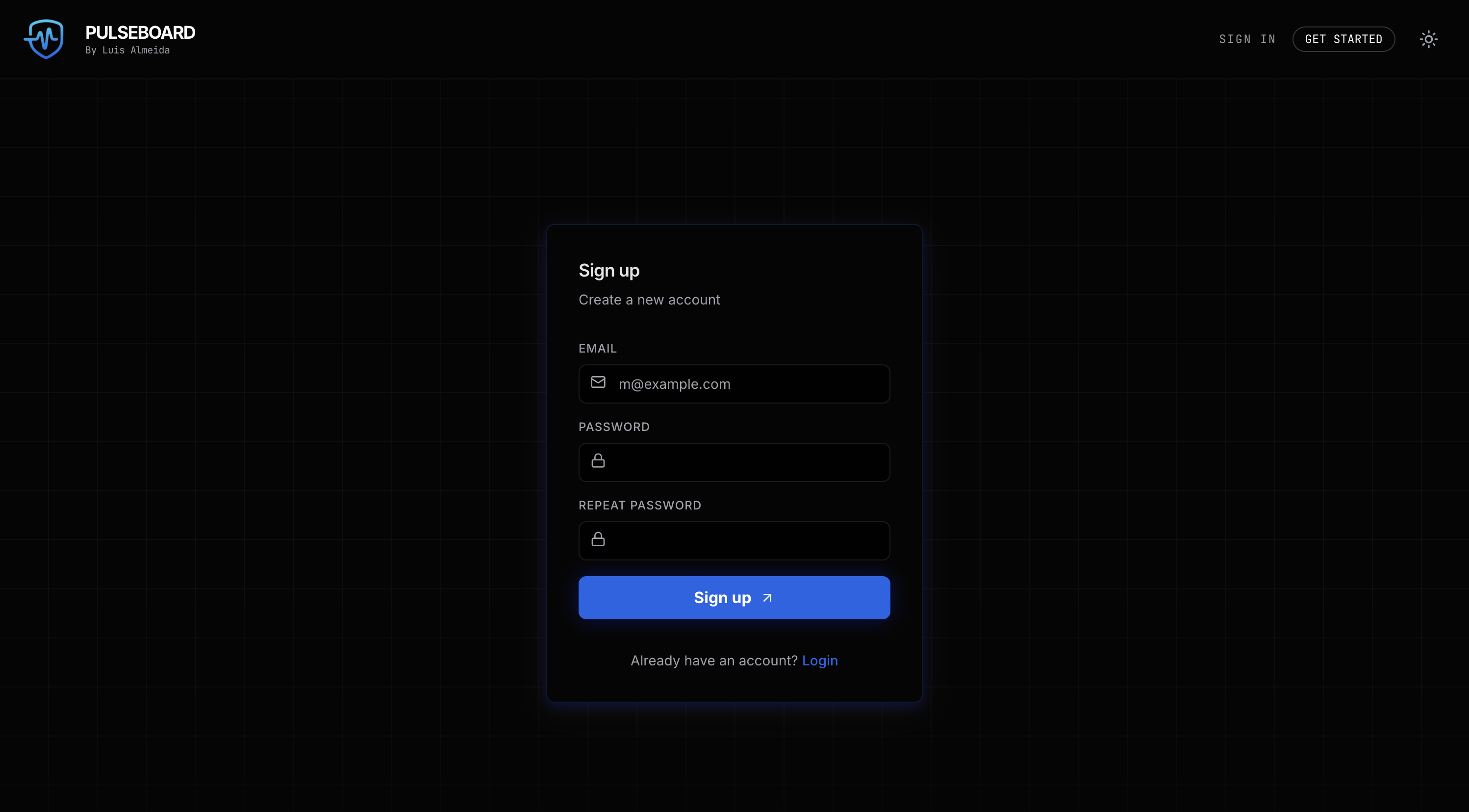
1. Create an Account
Navigate to the Sign Up page and create a new account using your email address. It's completely free for up to 10 endpoints.
2. Add Your First Endpoint
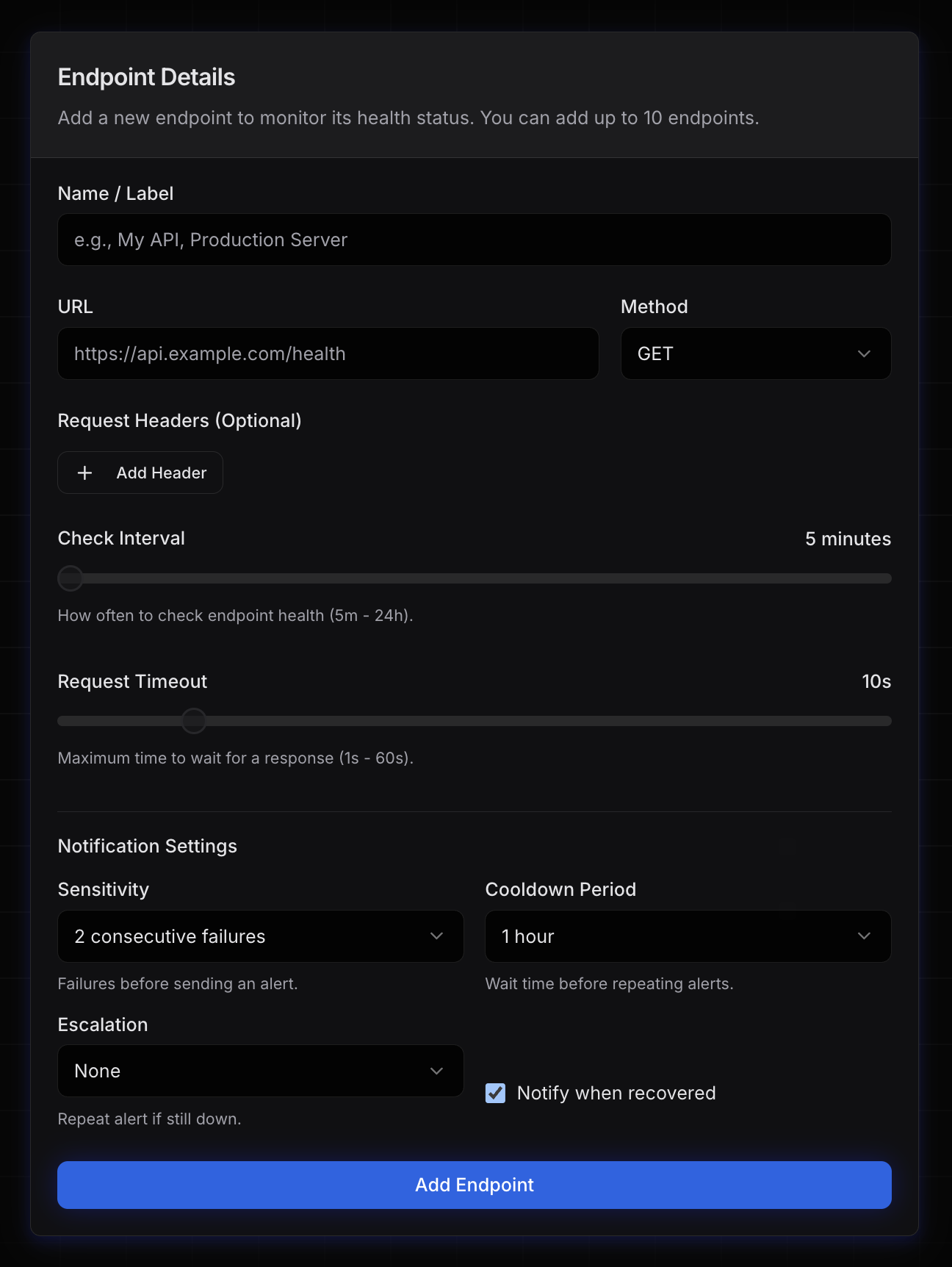
Once logged in, click the "Add Endpoint" button on your dashboard. You'll need to provide:
- Name: A friendly name for your service (e.g., "Production API").
- URL: The full HTTP/HTTPS URL you want to monitor.
- Interval: How often we should check this endpoint (default is 1 hour).
3. Verify Status
After saving, PulseBoard will perform an immediate initial check. You can see the status (Online/Offline) and response time directly on your dashboard.